

display_choice_selector()
This function displays a choice selector component.
The choice selector component provides a selection screen and is used when the user needs to select an item among several options. The component can be used for example to select which object to pick or choose the desired room for the robot to navigate to.
For the examples below, a title on the top prompts the user to pick from two images below it: a bottle and a cup. The white theme can be applied as well as a custom style.
Reference
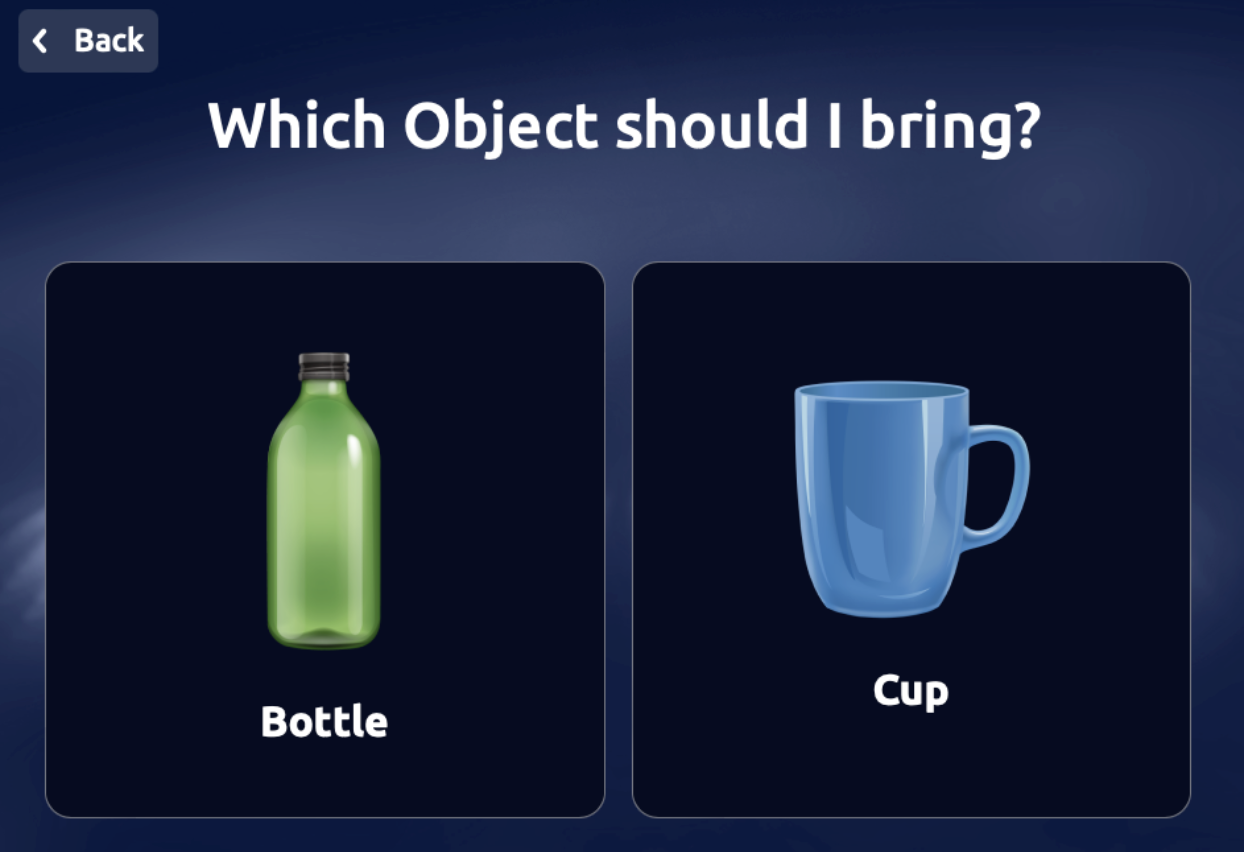
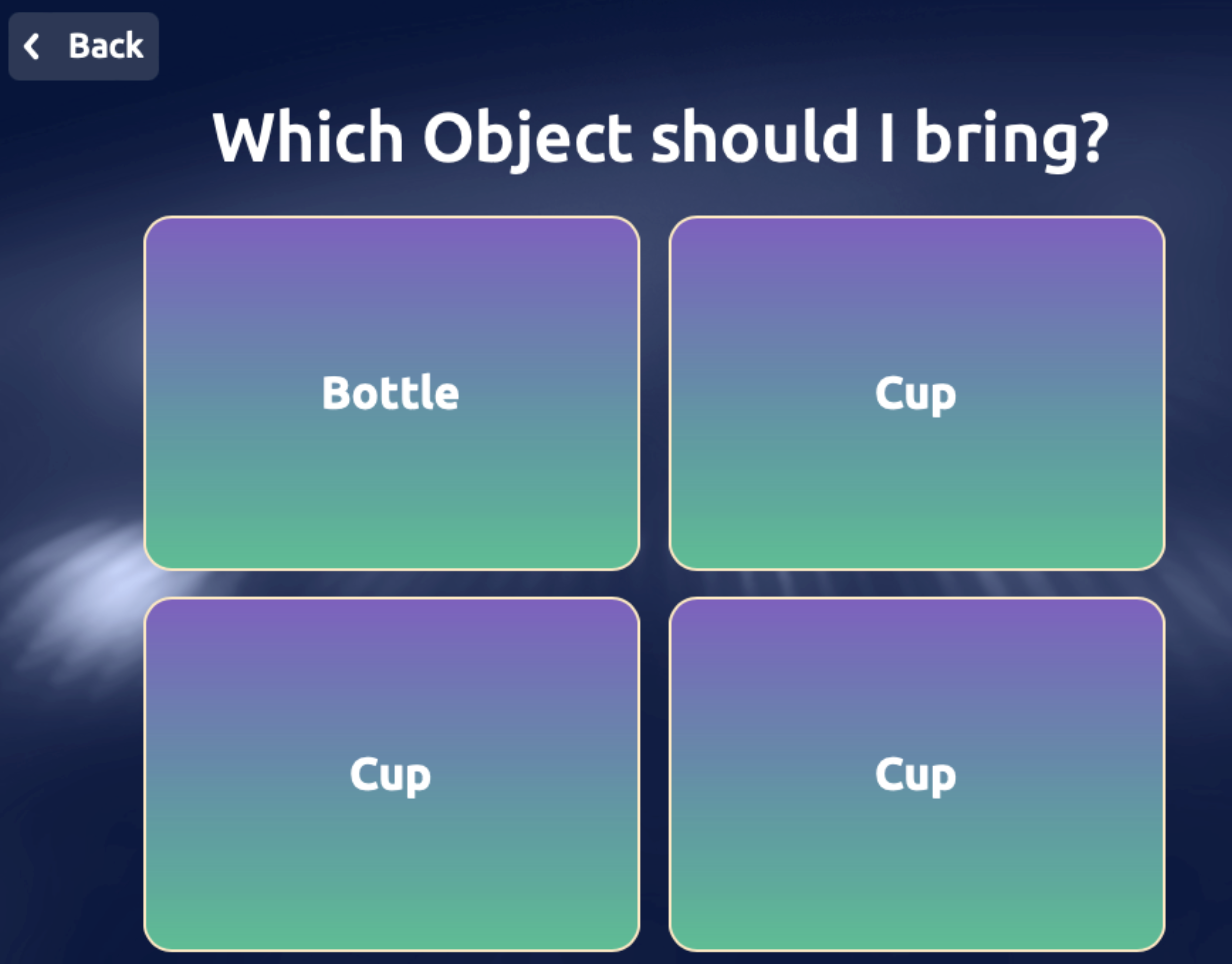
Explore more about this component here
Arguments
Arguments |
Type |
Default Value |
Description |
|---|---|---|---|
data |
list |
list/array of objects to be displayed(mandatory) |
|
max_items_shown |
int |
None |
maximum amount of items shown on the screen |
title |
string |
Title of the modal (mandatory) |
|
title_size |
enum |
|
Size of the title |
scroll_arrow_buttom_text |
str |
None |
text for bottom scrolling arrows |
scroll_arrow_upper_text |
str |
None |
text for top scrolling arrows |
show_back_button |
bool |
False |
Show a button to go back |
back_button_text |
string |
“Back” |
Text of the back button |
button_size |
int |
1 |
Button size (1 = SMALL, 2 = MEDIUM, 3 = LARGE) |
languages |
list |
None |
List of languages to be displayed on the screen (optional) |
chosen_language |
str |
None |
If list given, string representing chosen language |
theme |
enum |
|
Enum to define the theme of the screen, check |
custom_style |
dict |
None |
Dictionary containing custom styles for the modal (optional) |
wait |
bool |
True |
Bool indicating to wait for user response (optional) |
callback |
callable |
None |
Callable function to handle the response (optional) |
See the complete list of enumerations.
Return
Dictionary that contains the action performed by the user. For a button click, contains the keys ‘selected_option’ and ‘action’.
Example:
{'selected_option': {'id': 2, 'name': 'Gary'}, 'action': 'item_selected', 'app_id': 'APP_ID'}
Exceptions
RayaUIMissingValueRayaNeedCallbackRayaWrongArgument
See the complete list of ui exceptions and the complete list of general exceptions.
Callback Arguments
callback
Argument |
Type |
Description |
|---|---|---|
data |
dict |
Dict containing the result of the action |
Example
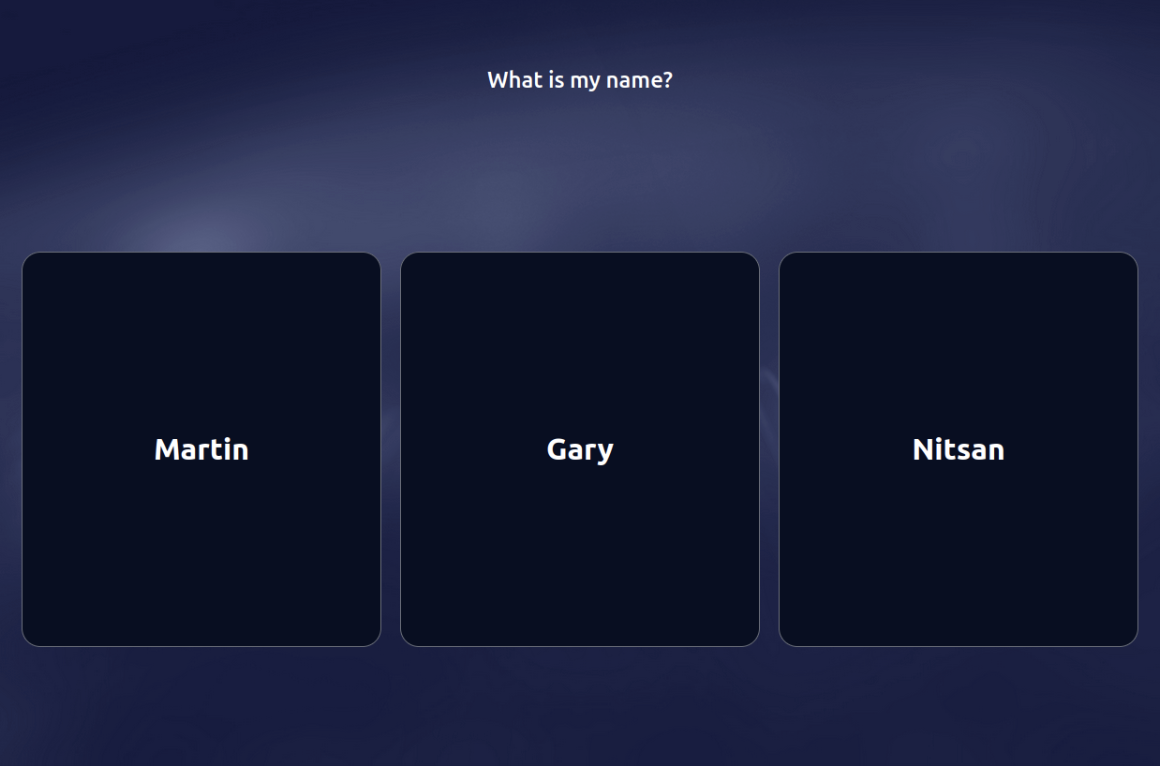
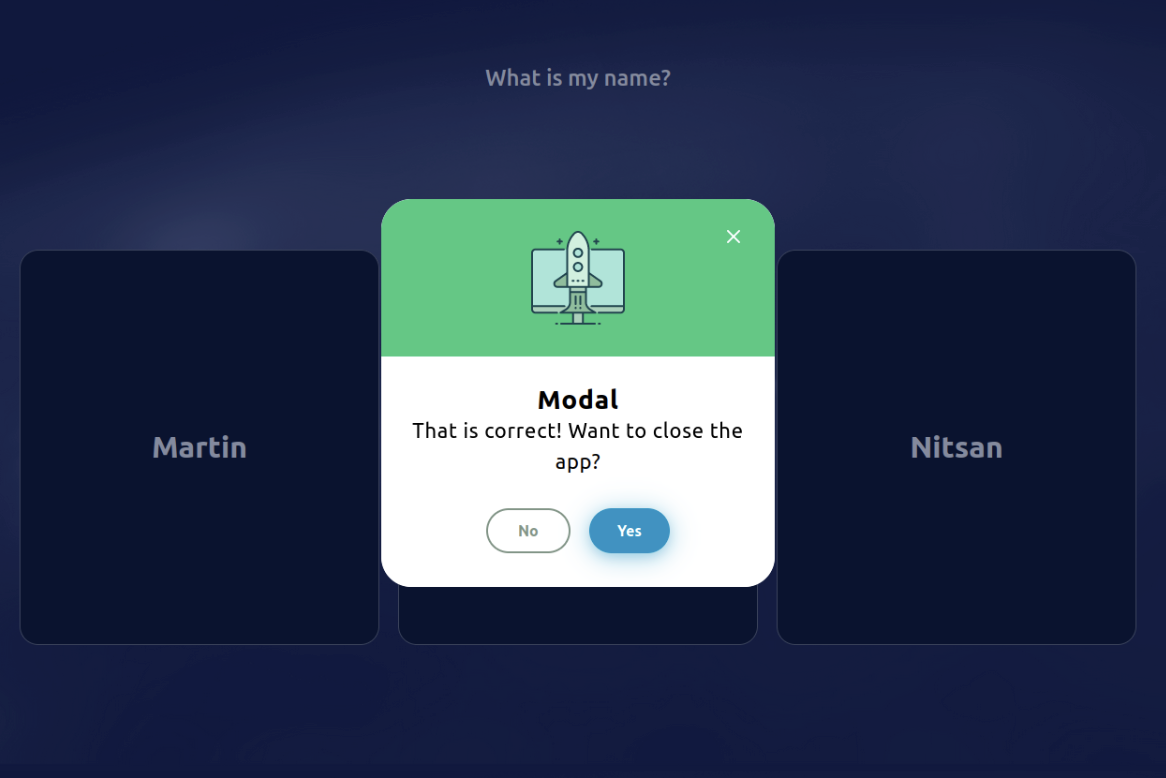
...

class RayaApplication(RayaApplicationBase):

    async def setup(self):
        self.UI = await self.enable_controller('ui')
        ....

    async def loop(self):
     ....
        data = [{
               'id': 1,
               'name': 'Martin'
           }, {
               'id': 2,
               'name': 'Gary'
           }, {
               'id': 3,
               'name': 'Nitsan'
           }
        ]
        response = await self.UI.display_choice_selector(
               title='What is my name?',
               show_back_button=False,
               data=data
        )
        if response['selected_option']['id'] == 2:
           subtitle = 'That is correct! Want to close the app?'
           modal_type = MODAL_TYPE.SUCCESS
        else:
           subtitle = 'That\'s wrong!  Want to close the app?'
           modal_type = MODAL_TYPE.ERROR

        self.log.info(response)
      ...

    async def finish(self):
      ...

...
'''
This is show when the 'Gary' button is selected.:
    {'selected_option': {'id': 2, 'name': 'Gary'}, 'action': 'item_selected', 'app_id': 'APP_ID'}
'''

response = await self.UI.display_modal(
       title='Modal',
       subtitle=subtitle,
       modal_type=modal_type
   )

if response['action'] == 'confirmed':
   self.finish_app()