

open_conference()
This function creates an open conference component that is used to send call requests
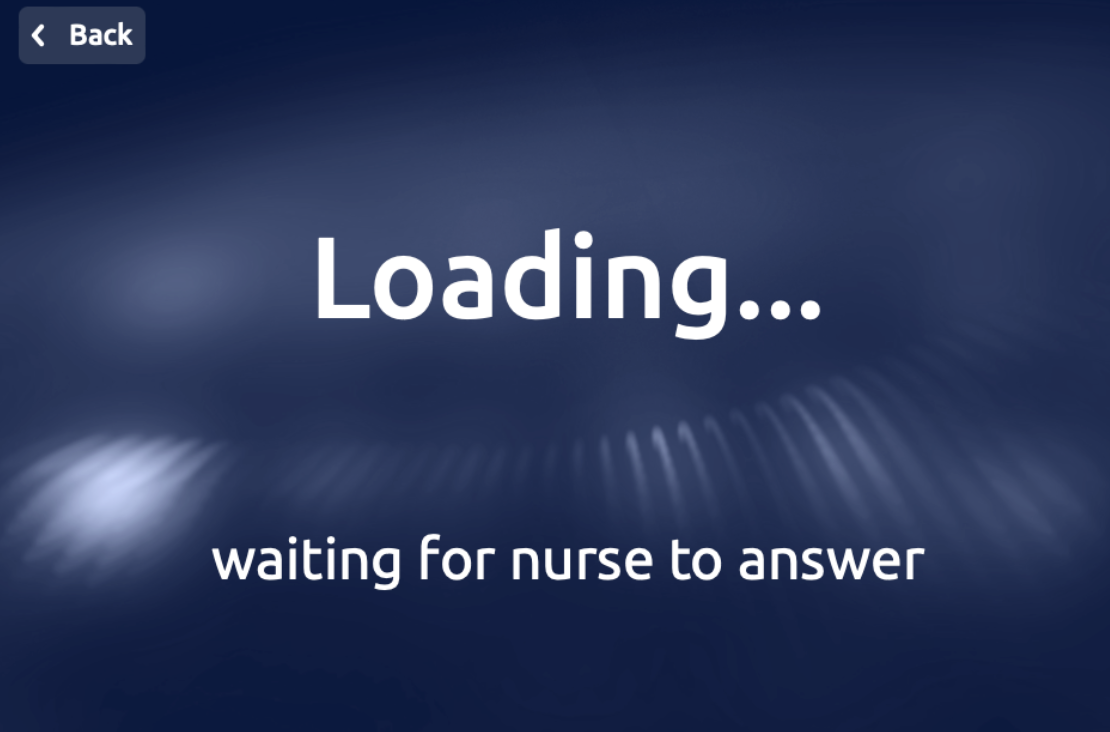
The open conference component provides a title and subtitle for a first screen when the call/conference has not yet been initiated. It provides a button to press to initiate the call, new title and subtitle for the post-initiation screen, as well as customization options.
Reference
Explore more about this component here
Arguments
Arguments |
Type |
Default Value |
Description |
|---|---|---|---|
title |
string |
Title of the modal (mandatory) |
|
title_size |
enum |
|
Size of the title |
subtitle |
string |
Subtitle of the modal (optional) |
|
client |
str |
Name of the client where the robot is located |
|
call_on_join |
bool |
False |
Send call request as soon as the screen is opened |
button_text |
str |
|
Text of the call button |
loading_subtitle |
str |
|
Subtitle of the loading screen after button press |
show_back_button |
bool |
False |
Show a button to go back |
back_button_text |
string |
“Back” |
Text of the back button |
button_size |
int |
1 |
Button size (1 = SMALL, 2 = MEDIUM, 3 = LARGE) |
languages |
list |
None |
List of languages to be displayed on the screen (optional) |
chosen_language |
str |
None |
If list given, string representing chosen language |
theme |
enum |
|
Enum to define the theme of the screen, check |
custom_style |
dict |
None |
Dictionary containing custom styles for the modal (optional) |
wait |
bool |
True |
Bool indicating to wait for user response (optional) |
callback |
callable |
None |
Callable function to handle the response (optional) |
See the complete list of enumerations.
Return
Dictionary that contains the action performed by the user
Example:
{'action': 'back_pressed', 'app_id': 'doctest'}
Example
...

class RayaApplication(RayaApplicationBase):

    async def setup(self):
        self.UI = await self.enable_controller('ui')
        ....

    async def loop(self):
     ....
        response = await self.UI.open_conference(
            title="Hello, Can I Help you?",
            subtitle="Click below to call the nurse",
            wait = True,
            button_text = "Call the Nurse",
            loading_subtitle= "waiting for nurse to answer",
            client = "ui-kit"
        )
        self.log.info(response)
      ...

    async def finish(self):
      ...

...
"""
This is show when the back button is clicked:
{'action': 'back_pressed', 'app_id': 'doctest'}
"""