

display_screen()
This method shows an informative screen.
An informative screen is being used to display information about some process/flow, without asking for feedback from the user. This component is typically used while the program is loading, the robot is performing a task or about to perform a task
Reference
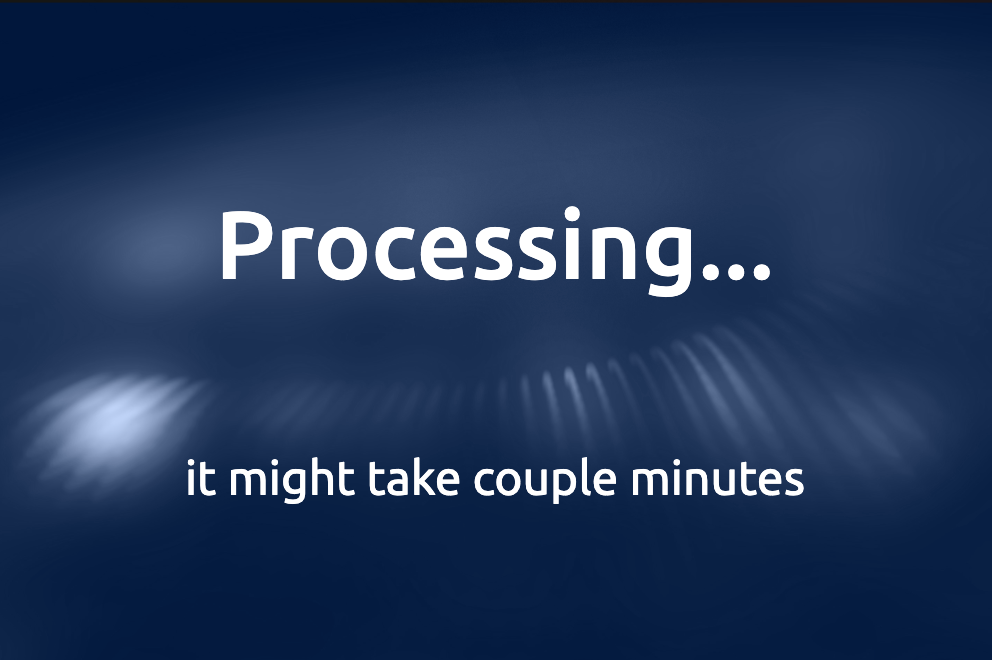
Explore more about this component here
Arguments
Arguments |
Type |
Default Value |
|
|---|---|---|---|
title |
string |
Title of the screen (mandatory) |
|
title_size |
enum |
|
Size of the title |
subtitle |
string |
Subtitle of the screen (optional) |
|
show_loader |
boolean |
|
If |
show_back_button |
bool |
False |
Show a button to go back |
back_button_text |
string |
“Back” |
Text of the back button |
button_size |
int |
1 |
Button size (1 = SMALL, 2 = MEDIUM, 3 = LARGE) |
languages |
list |
None |
List of languages to be displayed on the screen (optional) |
chosen_language |
any |
None |
the language chosen for the screen (from languages list) |
theme |
enum |
|
Enum to define the theme of the screen, check |
custom_style |
dict |
None |
Dictionary containing custom styles for the screen |
See the complete list of numerations.
Return
None
Exceptions
RayaUIMissingValue
See the complete list of ui exceptions and the complete list of general exceptions.
Example
...

class RayaApplication(RayaApplicationBase):

    async def setup(self):
        self.UI = await self.enable_controller('ui')
        ....

    async def loop(self):
     ....
        await self.UI.display_screen(
            title="Navigating to kitchen",
            subtitle="will be there soon",
            show_loader=True
        )
      ...

    async def finish(self):
      ...

...