

display_modal()
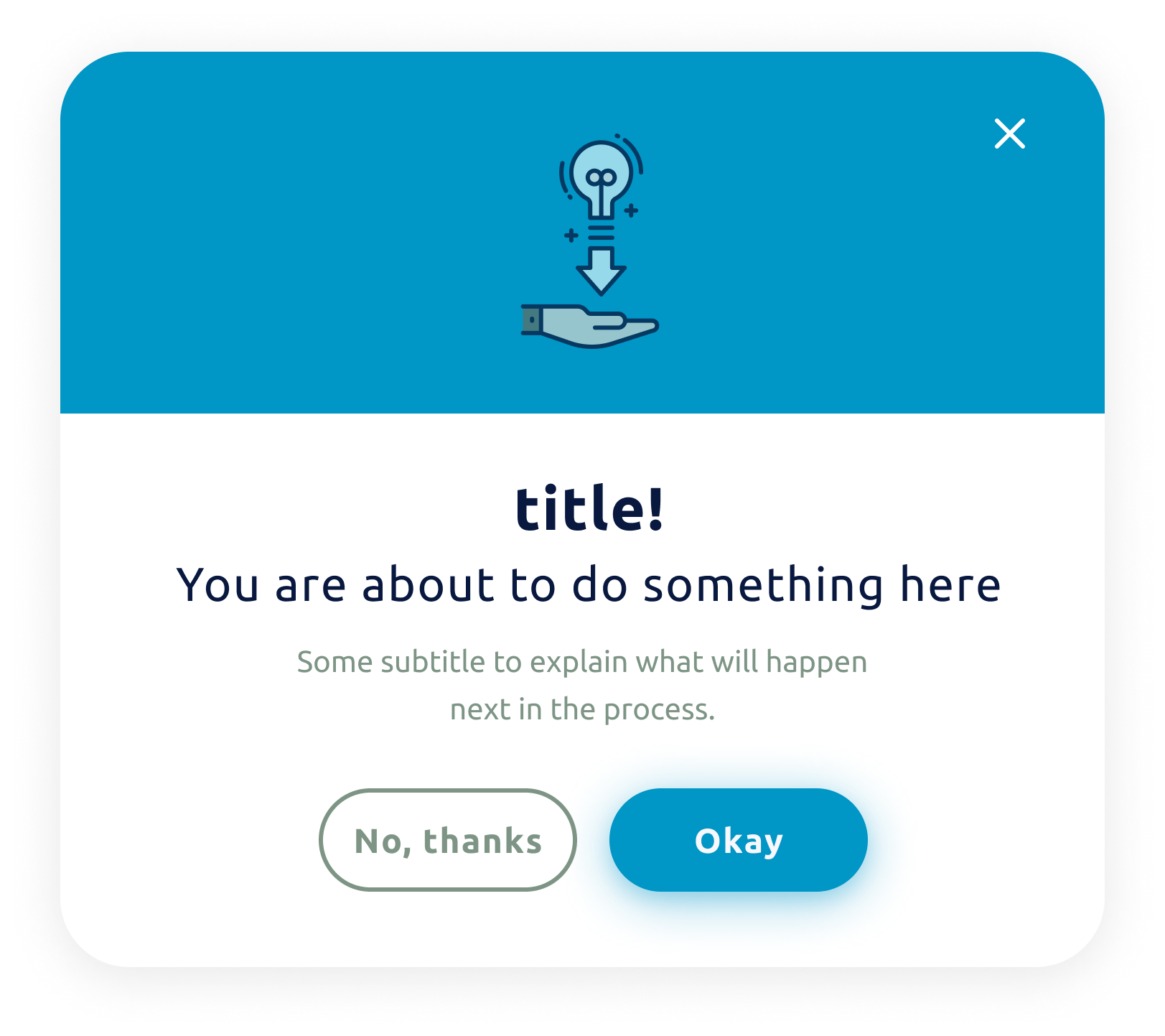
This function displays a modal component.
Modals are a variant of dialog used to present critical information or request user input needed to complete a user’s workflow. Modals interrupt a user’s workflow by design. When active, a user is blocked from the on-page content and cannot return to their previous workflow until the modal task is completed or the user dismisses the modal.
Reference
Explore more about this component here.
Arguments
Arguments |
Type |
Default Value |
|
|---|---|---|---|
title |
string |
None |
Title of the modal (mandatory) |
title_size |
enum |
|
Size of the title |
subtitle |
string |
Subtitle of the modal (optional) |
|
content |
string |
None |
Context text of the modal (optional) |
modal_type |
enum |
|
enum to define the type of the modal, check |
modal_size |
enum |
|
enum representing the size of the modal, check |
submit_text |
string |
“Yes” |
Submit text button |
cancel_text |
string |
“No” |
Cancel text button |
show_icon |
bool |
True |
Show icon in the modal |
button_size |
int |
1 |
Button size (1 = SMALL, 2 = MEDIUM, 3 = LARGE) |
theme |
enum |
|
enum representing the theme of the modal, check |
custom_style |
dict |
None |
dictionary containing custom styles for the modal (optional) |
wait |
bool |
True |
boolean indicating whether to wait for a user response |
callback |
callable |
None |
callable object to handle the response (optional) |
Return
Dictionary that contains the action performed by the user. The action can be: canceled/confirmed/closed.
Example:
{'action': 'confirmed', 'app_id': 'APP_ID'}
Exceptions
RayaUIMissingValueRayaNeedCallback
See the complete list of ui exceptions and the complete list of general exceptions.
Callback Arguments
callback
Argument |
Type |
Description |
|---|---|---|
data |
dict |
Dict containing the result of the action |
Example
...

class RayaApplication(RayaApplicationBase):

    async def setup(self):
        self.ui = await self.enable_controller('ui')
        ....

    async def loop(self):
     ....
        response = await self.ui.display_modal(
            title="Oh no!",
            subtitle="Retry this action?",
            modal_type=MODAL_TYPE.ERROR
        )

        self.log.info(response)
      ...

    async def finish(self):
      ...

...
'''
{'action': 'canceled', 'app_id': 'doctest'}
(when modal button 'No' is clicked)
'''